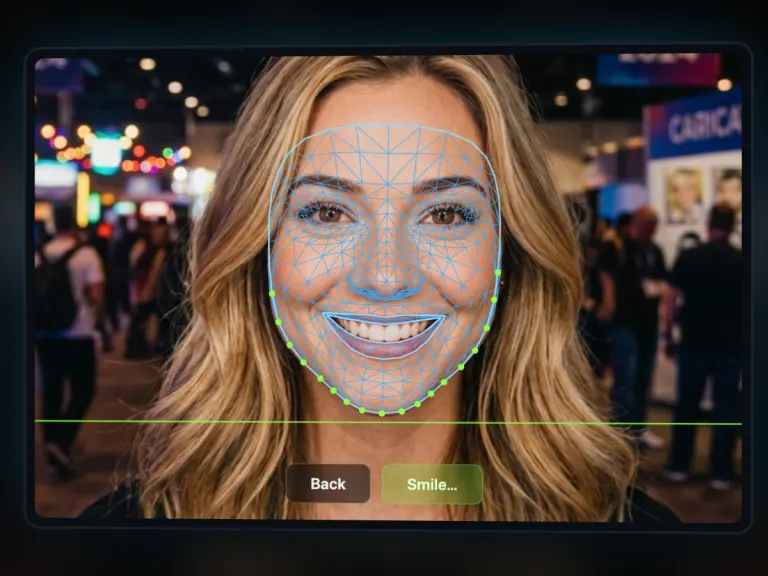
Step 1
They Get Their Photo Taken
They pose, and our AI reads every feature of the face down to the millimetre to work out the perfect line.
Turn a face into a work of art in one minute with the PictiaX® premium caricature robot. Real drawings, pen on paper, made on the spot.
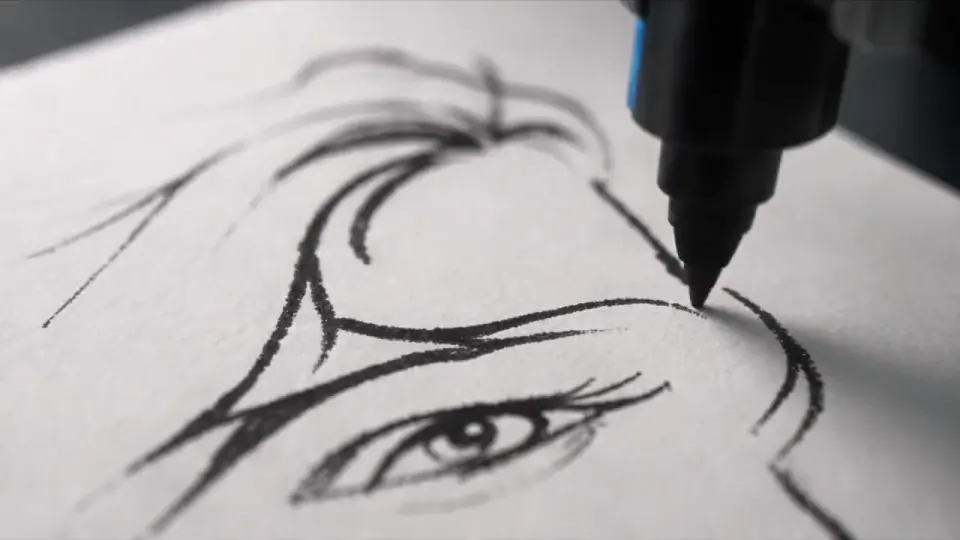

Three simple steps and a few minutes later your guest walks off with a caricature good enough to end up on their fridge.
They pose, and our AI reads every feature of the face down to the millimetre to work out the perfect line.
The arm draws their portrait on paper, right in front of them, in about 60 seconds. This is the part everyone films.
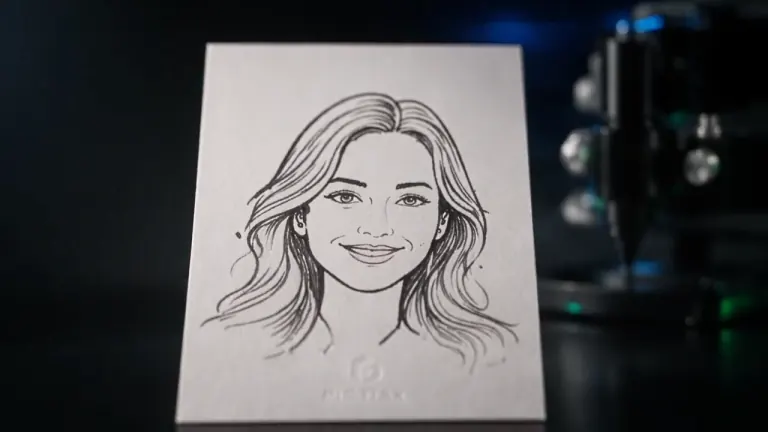
They leave with the portrait in hand, and the digital copy lands in their inbox to share. Your brand is on both.
Because the difference isn't just the arm and isn't just the AI, it's the two of them built to work together. That's why the portrait actually looks like the person, why it takes a minute, and why it fits in a suitcase.
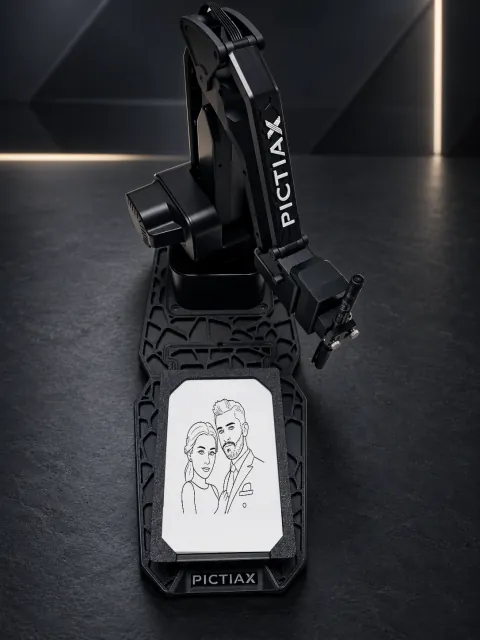
The arm and both bases go in a small suitcase, and one person sets it up in about ten minutes. No van, no second pair of hands.
Quality materials and a black finish. It's built to be in the photo in front of the guest, not hidden away behind a table.
A high quality pen on a holder that absorbs the arm's bounce. That's what keeps the line exact from the first stroke to the last.
Other programs shade with dots and little circles, and up close you can tell a machine did it. Our AI draws continuous lines, the way a hand does.
The model that turns a face into lines is ours. It's trained to keep the likeness and to make the drawing look real, not schematic.
Before it starts, the AI plans the whole route: the arm doesn't wander back and forth. That's what delivers the portrait in 60 seconds without losing detail.
Judge for yourself. On the left the photo the guest uploaded, on the right what came off the arm, untouched.
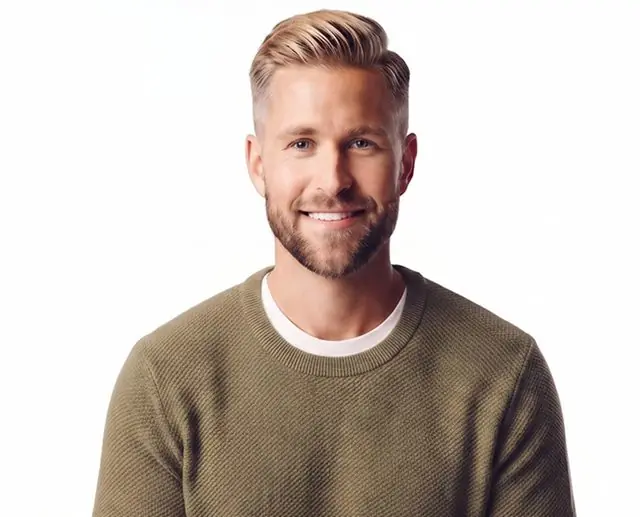
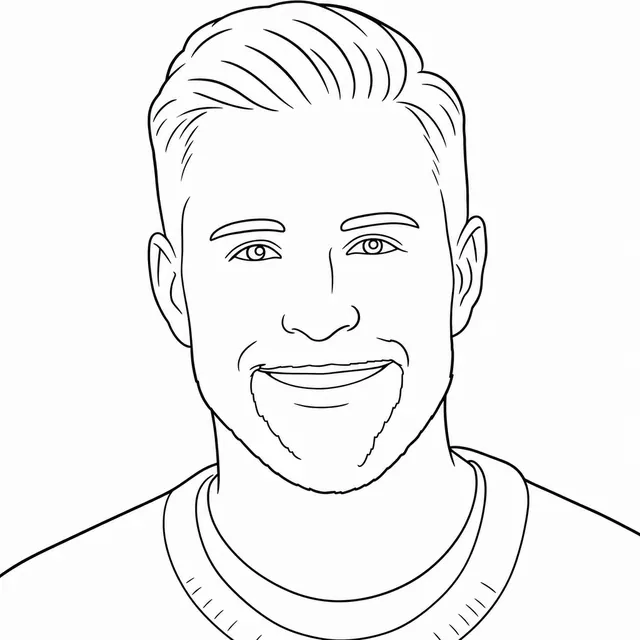
The framing you see most at an event. The eyes and the smile are recognisable straight away.
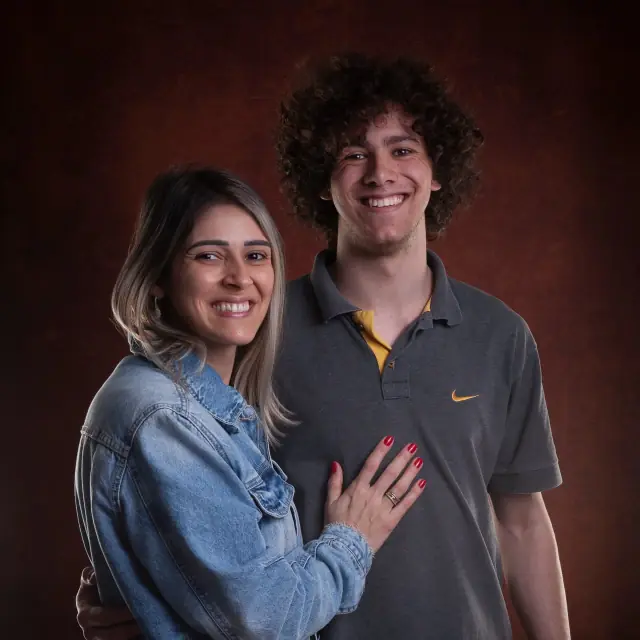
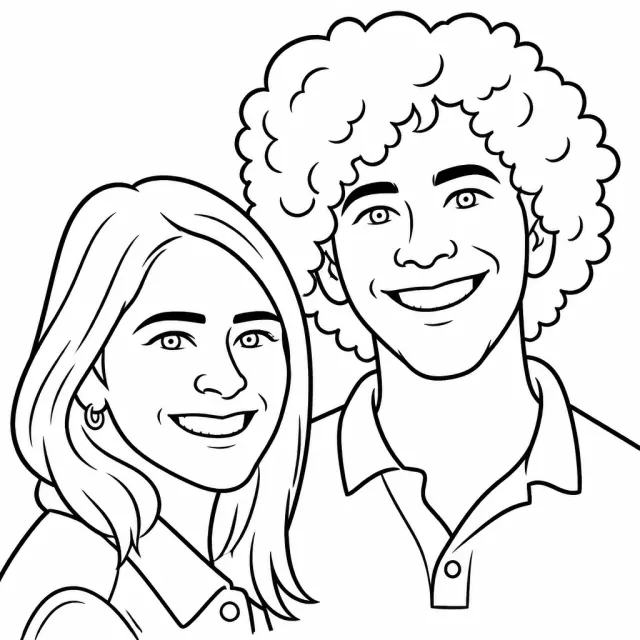
Two faces on the same sheet, each with its own line. Neither of them loses the likeness.
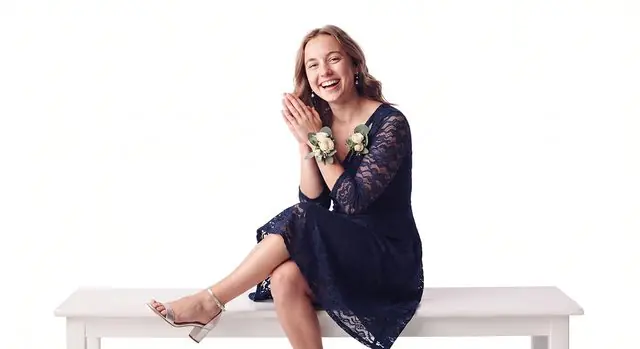
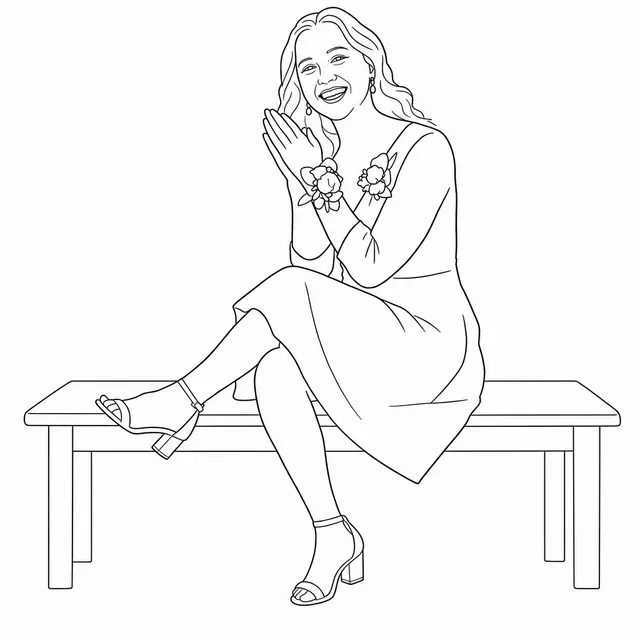
The whole figure. The pose holds, so does the fall of the dress, right down to the bench she's sitting on.
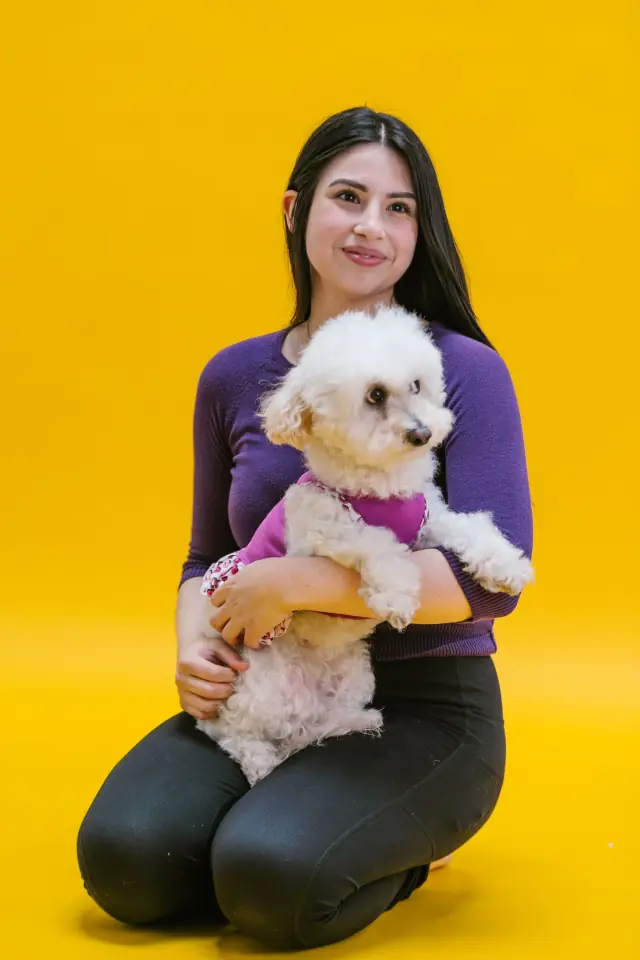
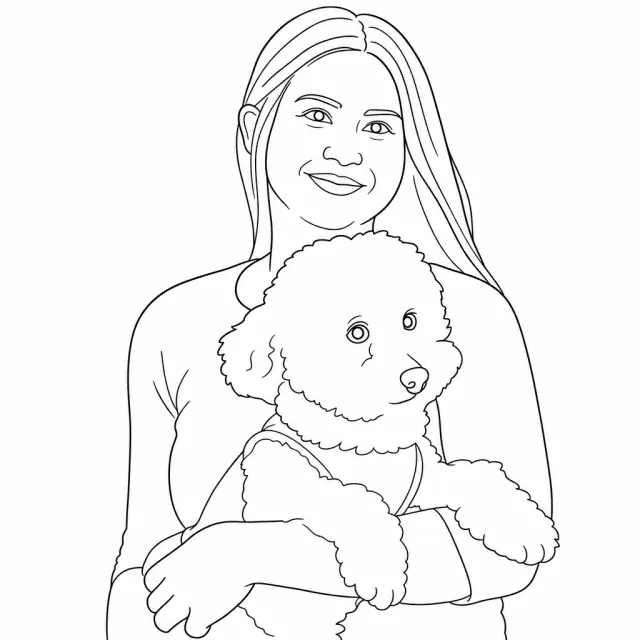
A poodle in her arms. The animal gets the same realism as the person: the curls come out loose and her face keeps the likeness.
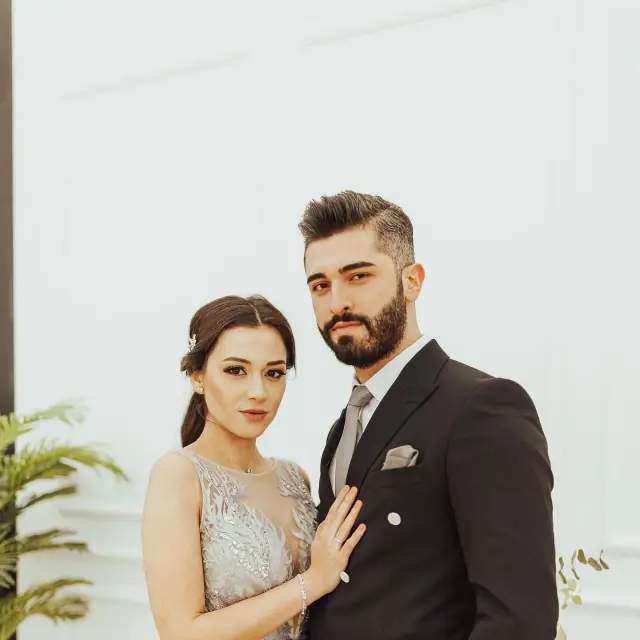
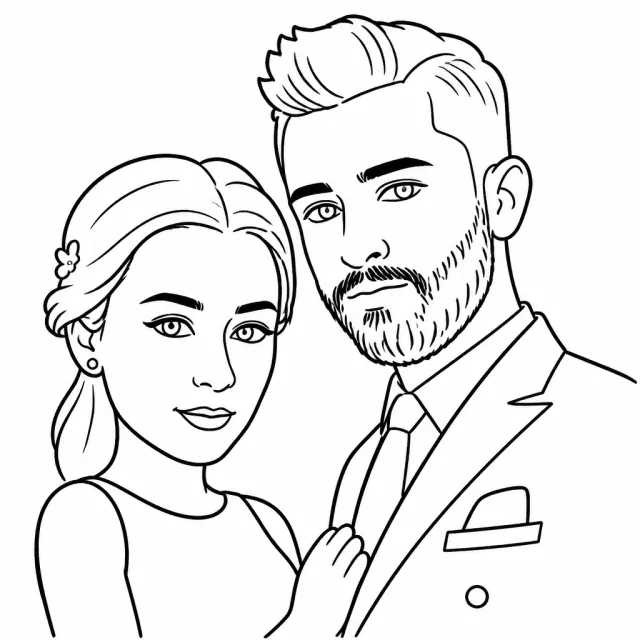
Dress and suit in the same frame, with the updo, the earrings and the cut of the jacket.
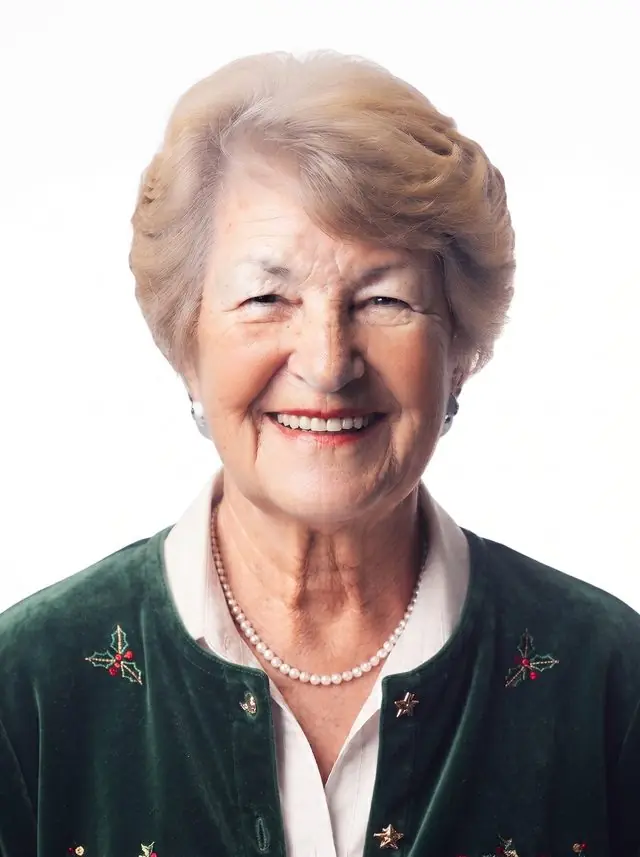
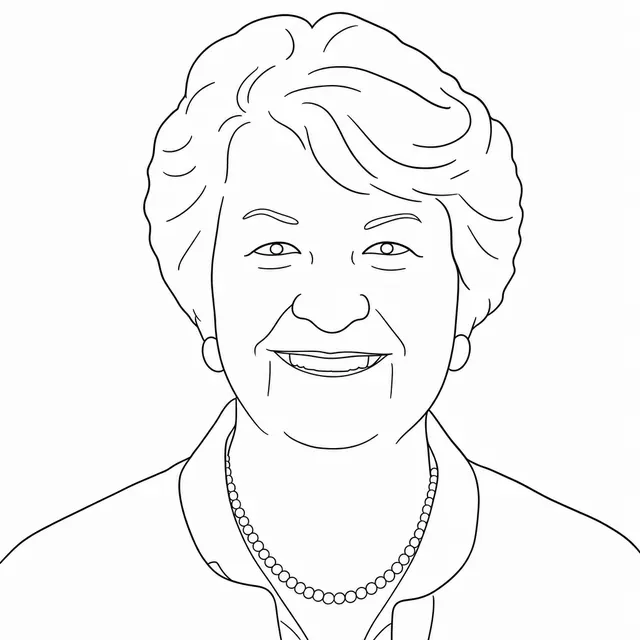
At this distance the drawing goes after the detail: the exact shape of the hair, the necklace pearl by pearl and the lines on the skin.
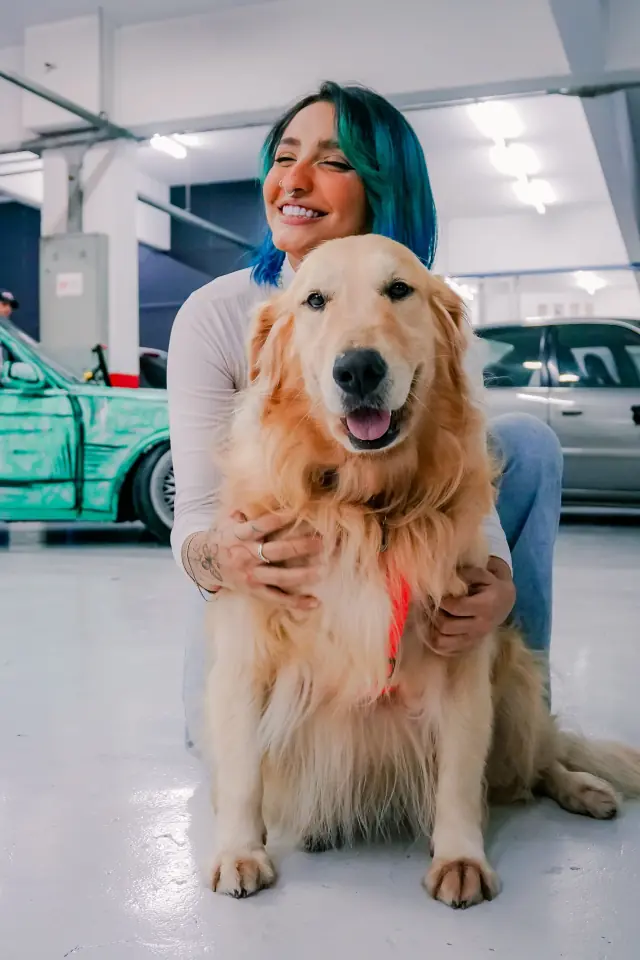
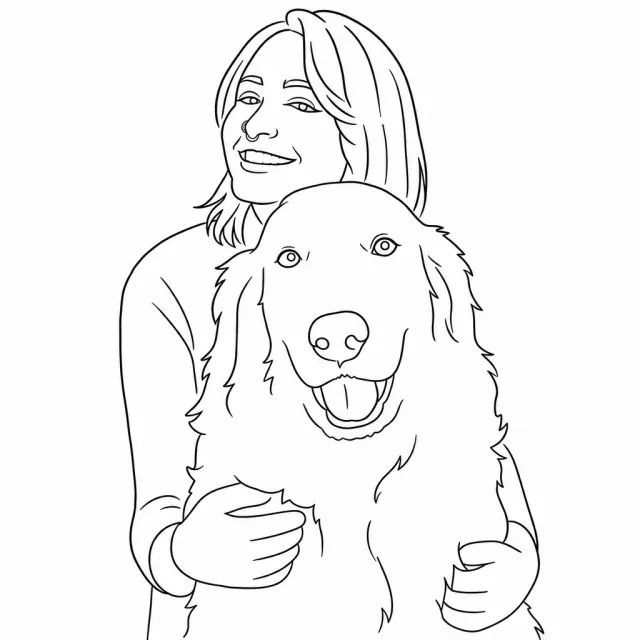
Even with the companions hardest to get to pose, the caricature keeps the realism of the photo.
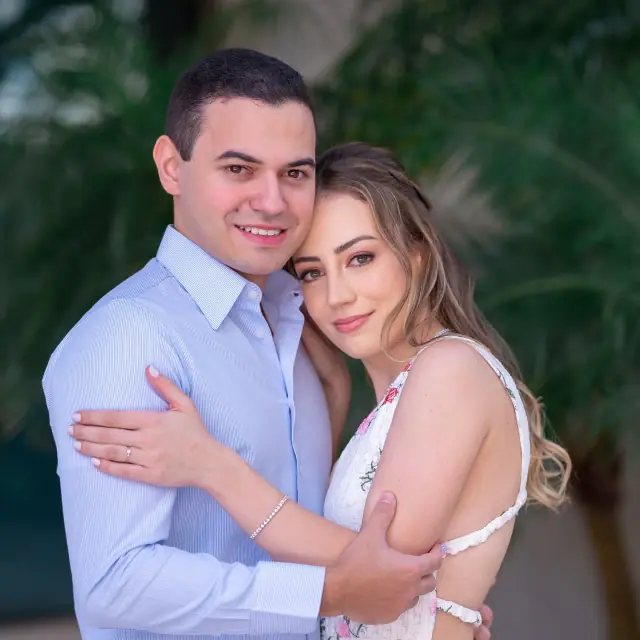
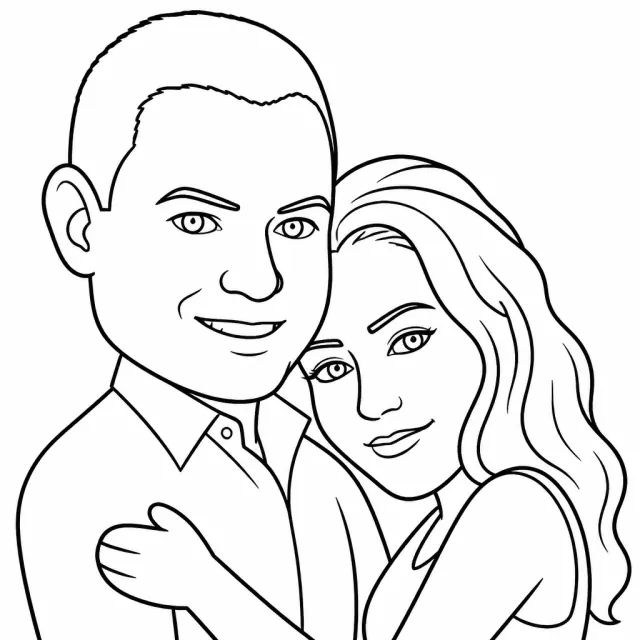
Two heads pressed together. Each face keeps its volume and you can see where one ends and the other begins.
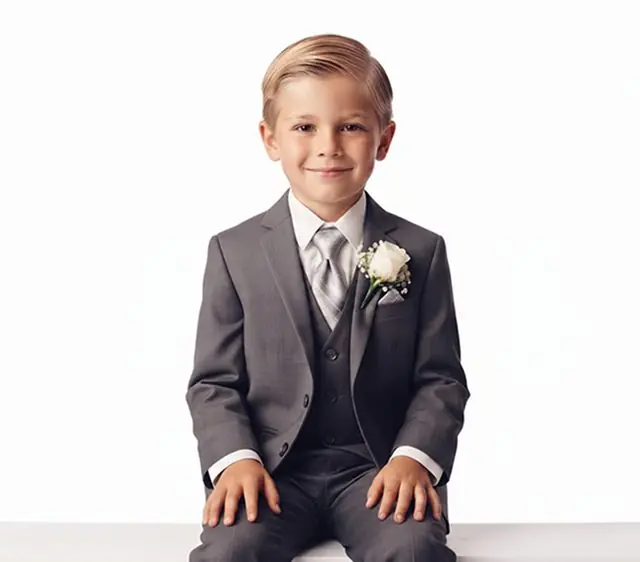
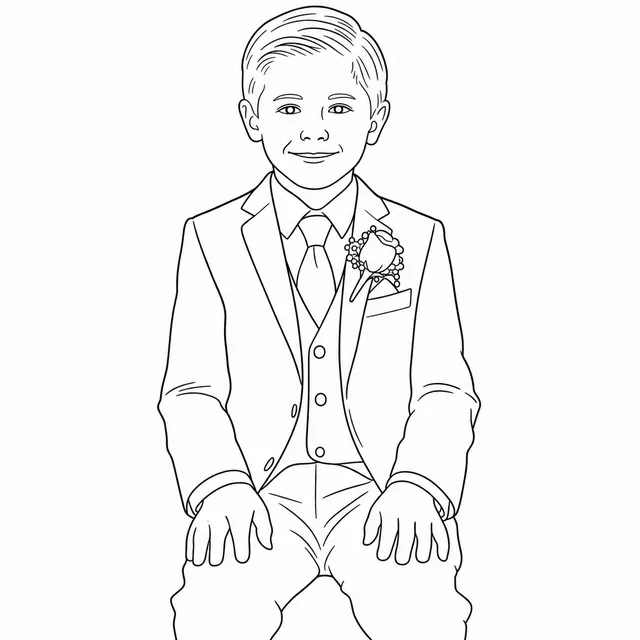
Seated, still and facing forward. The whole figure fits, waistcoat buttons and buttonhole flower included.
Source photo and caricature untouched, exactly as they come out of the system.
Tell us what events you run and we'll tell you whether the system fits, with price and lead time.
Go a step further than a plain caricature and surprise your guests. They pick from a range of styles that make the portrait more original while the face stays theirs.

PictiaX® Portrait
Clean, recognisable line. The one that works at any event
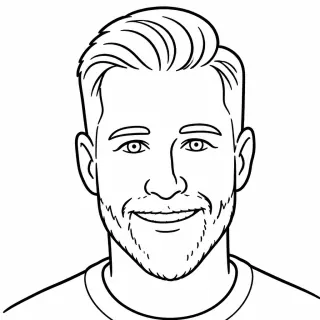
Caricature
Same features, looser line
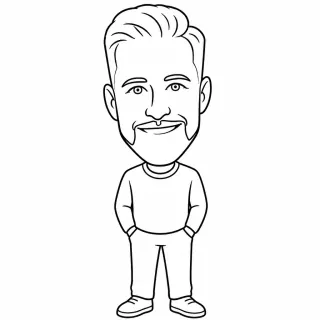
Full Body
Head to toe, in the guest's own pose
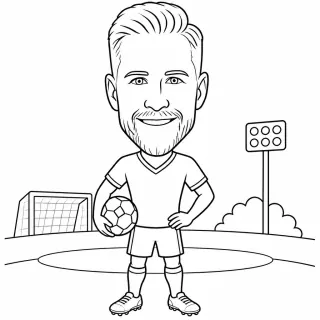
Footballer
Kit, ball and the pitch behind
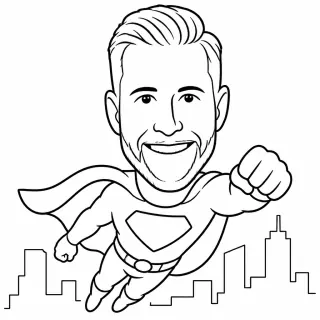
Superhero
Cape, mid flight, city below
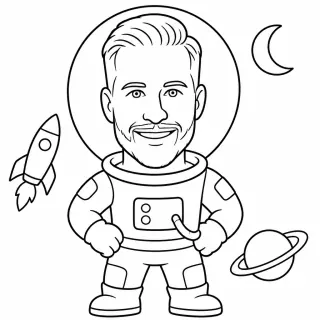
Astronaut
Spacesuit, rocket and planets
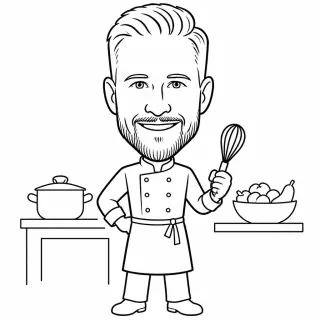
Chef
Hat, spoon and a full kitchen
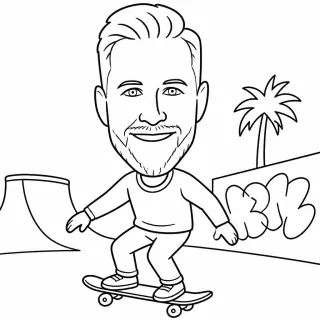
Skater
Board, ramp and graffiti behind
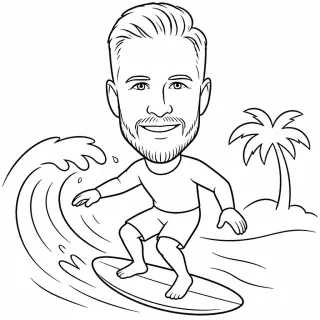
Surfer
Board, wave and a palm tree
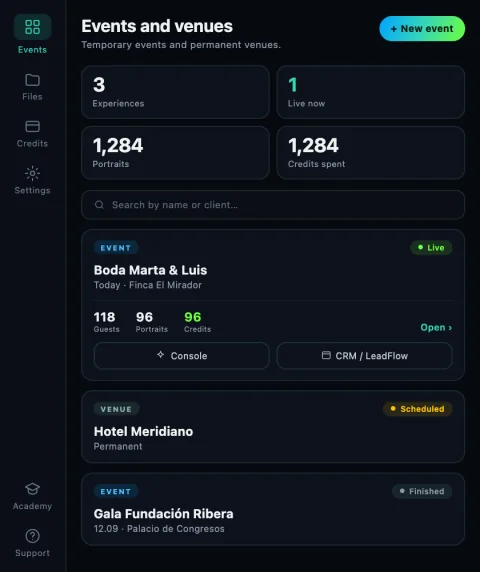
The caricature is just the hook. What the operator takes home is everything that happens around it.
For every event you tick which styles the guest can choose from when the photo is taken. Nine come in the catalogue, and if none of them fits your client you write your own: give it a name, describe the theme and, if you want, the background.

This is what turns the experience into a marketing tool, and what makes a brand pay to have it on their stand. The guest fills in whatever your client decides before the photo, and the data is ready to export, clean and organised.
The guest types their name and PictiaX® invents them a future: a line with their name in it and the caricature to match, on the same sheet. It's a game: imagined, not predicted.
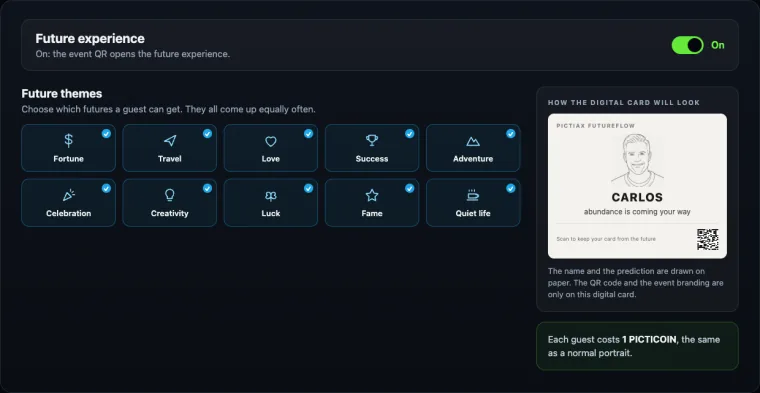
The differences you'll notice from the very first event.
| What is being compared | Other robots | PictiaX® |
|---|---|---|
| Drawing time | Two or three minutes per portrait2 or 3 min per portrait | Around a minute, and you pick the speedAbout 1 min, your call |
| Line quality | Shaky, doubled lines, and it showsShaky, doubled lines | A clean line, built for an arm and not for a printerClean, continuous line |
| Styles and scenes | A handful of styles and always the same backgroundFew styles, same background | Cartoon styles and different scenes, chosen event by eventSeveral styles per event |
| Your client's brand | A logo stuck in a cornerLogo stuck in a corner | Logo and campaign built into the artwork itselfLogo inside the drawing |
| Systems supported | Software you install, one build per system, and a specific laptop inside the packOne specific laptop | Windows and Mac, plus tablet and phone. It's web based: it opens on the kit you already haveWindows, Mac, tablet and phone |
| What you take to the event | Arm, platform and the pack's kit, each in its own caseArm, platform and kit | The arm and the bases fit in a small suitcase. The software runs on the kit you're already carryingArm and bases in one suitcase |
| Robot design | A white arm straight off the factory lineWhite factory arm | Premium black finish, built to be in the photoPremium black finish |
| Warranty | One or two years, and you pay the shipping on a repairOne or two years | Three years, shipping covered and a replacement unit if you have an event onThree years |
| Monthly fee | Software and cloud subscriptions every monthSubscriptions every month | None. You pay for the system and top up when you workNone |
| The price | Either the robot is expensive up front, or it's cheap and the expensive part comes laterExpensive up front or in credits | €2,490 including tax and out in the open, software included. What you spend after that is your callAffordable kit and cheap credits |
See the comparisons one by one: Plotterpix, Ai SketchBot and Draw Me Bot
If you'd rather go through them with someone, sales will run them with your real events.
Upload a photo and we'll email you your caricature, made with the same engine the robot uses. It's a sample of what your guest sees, without the paper in front of you.
JPG or PNG, up to 2 MB. One face only, looking straight at the camera and well lit.
Your photo is used only to generate this sample and is deleted as soon as it's sent. We don't use it for anything else and we don't give it to anyone.
PictiaX pays for itself fast. Two or three events and you've made the whole investment back.
| Event | Portraits | What you spend | What you charge |
|---|---|---|---|
| Wedding | 100 | €12.00 to €17.00 | €600 to €1,200 |
| Brand activation | 180 | €21.60 to €30.60 | €1,500 to €3,000 |
| Trade show, two days | 400 | €48.00 to €68.00 | €2,500 to €4,000 |
Put your own numbers in and see. You pay for the system once, and after that a portrait costs you one PICTICOIN.
Your annual revenue21.600 €
PICTICOINS cost you288 €
Your annual profit 21.312 €
Paid for in 3 events
See The SystemFour things, and they all fit in a car. The camera comes from the guest: they take the photo with their own phone.
What you need
The arm and the bases go in a small suitcase. The rest fits in the boot without folding the seats down and without a van. You don't need a second person to load it or to set it up.
And once you're there, ten minutes
It's the only thing you have to ask the venue for.
And put the arm and its base on top.
Open the portal, create the event and the robot is already drawing.
No premises, no permanent staff and no stock to finance.
For a limited time we're running a launch price that will NEVER come back. Take it before it's gone.
€3,290 €2,490
A single payment, including tax
from €0.10
Per portrait, and it drops with volume
On request
The software on the robot you already own
It's the complete AI caricature system: the robot arm, the software that runs it and the AI that draws. A finished product ready to work, not a licence on its own.
Around 60 seconds from start to finish. With a queue you drop the detail and raise the speed; when there's time you raise the detail and the line comes out finer.
The complete system is €2,490, with the robot, the software forever, 500 portraits and both bases. After that you only top up PICTICOINS, from €0.10 a portrait. No monthly fee.
Operators in Spain charge between €600 and €2,000 per activation. At 100 portraits you spend between €12.00 and €17.00, so two or three events cover the system.
On both. The portal is web based and opens the same on Windows, Mac, tablet and phone. PictiaX® Bridge, the piece that talks to the arm, has a version for both systems.
No. The system arrives assembled and configured. Plug it in, create the event from your phone and put the QR where people can see it. Setting up takes about ten minutes.
Yes. Every drawing arm speaks G-code and our communication layer sits separately, so PictiaX® runs on a range of models, budget ones included.
You carry on working. Generating the portrait needs a connection, like any system that uses AI, but you don't depend on the venue's wifi: you can tether to your phone, and if the network drops for a moment the queue is saved and whatever is pending retries on its own when it comes back. No portrait is lost and nothing has to be started again.
The original photo is kept for around a day and after that only the portrait lives on. Consent is always asked for before the image is processed.
Yes. A logo, a message or a whole campaign is built into the artwork itself. That's what lets you sell the activation as sponsorship rather than entertainment.
PictiaX® Assistant
Answers taken from this site